
Why
Chrome's zoom is all or nothing
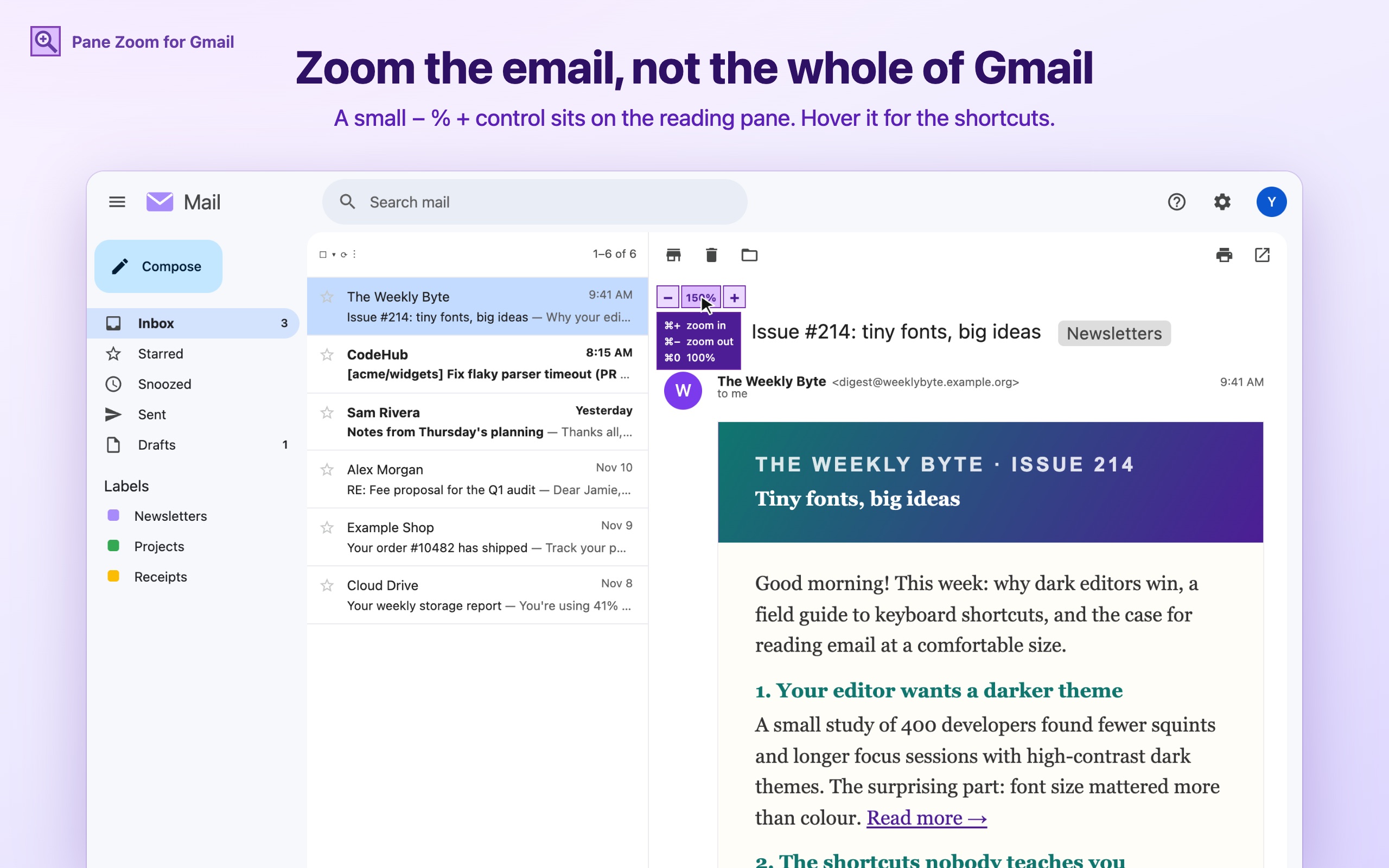
⌘+ blows up the whole Gmail window: inbox, sidebars, toolbars. You wanted bigger text in one email.
Some mail is just small
Newsletters set in 12px, dense notification threads, receipts with 10px fine print. Squinting isn't a workflow.
Every email is a different size
Hotmail sends 16px, Gmail 13px, newsletters 12px with giant headings. Reading one thread shouldn't mean refocusing at every message.
What it does
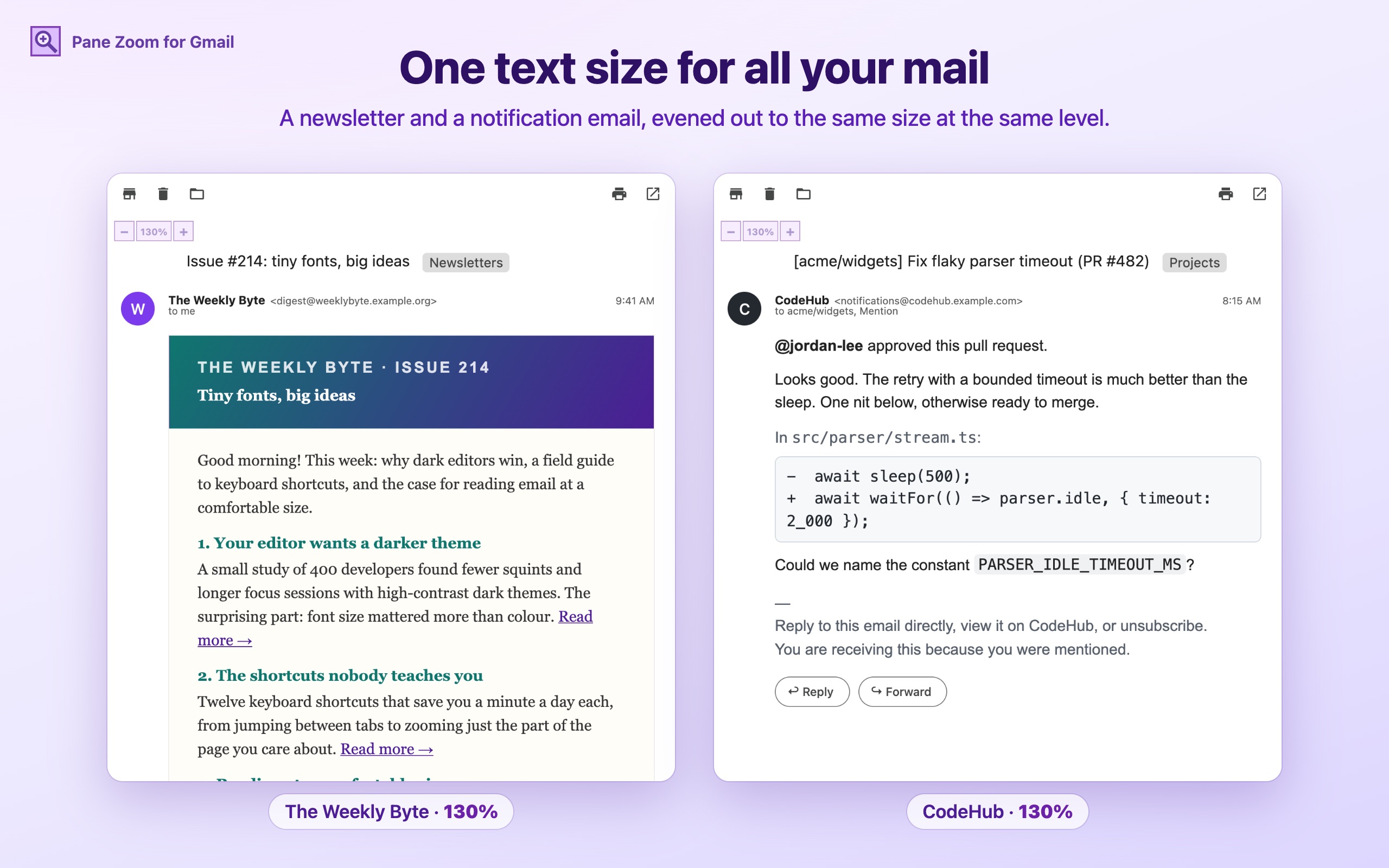
One text size for all mail
Every message, every sender and the subject line are set to one size, then zoomed to your level. A Hotmail reply and a Gmail one read exactly the same.
Keyboard shortcuts
Chrome's own zoom keys, ⌘+ / ⌘− / ⌘0 on Mac and Ctrl++ / Ctrl+− / Ctrl+0 on Windows and Linux, zoom the open email instead of the whole page, or just your draft when you're only composing. Clicking the % also goes back to 100%.
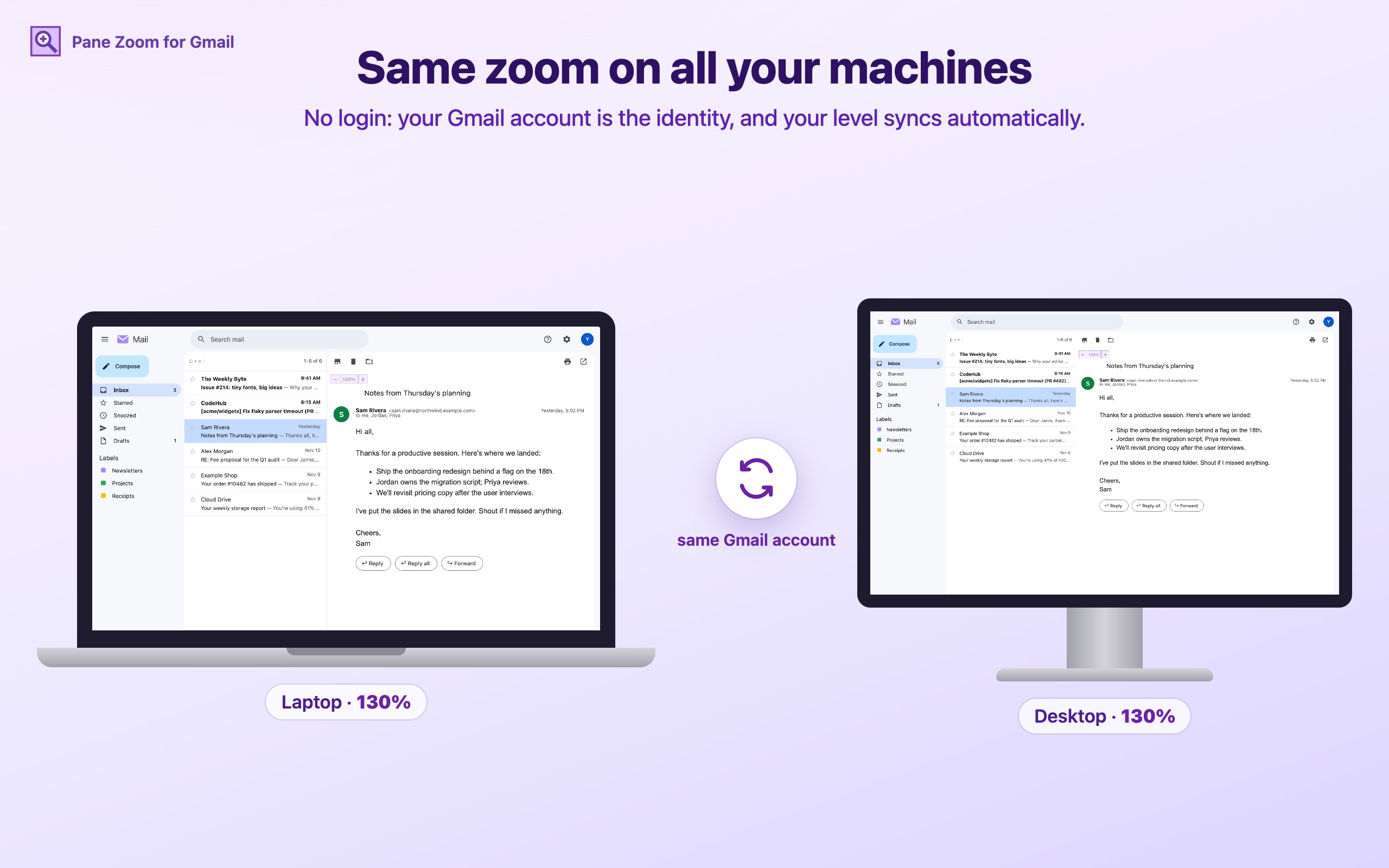
All your machines, no login
Your Gmail account is the identity. Install it on your laptop and your desktop and your level follows you automatically.
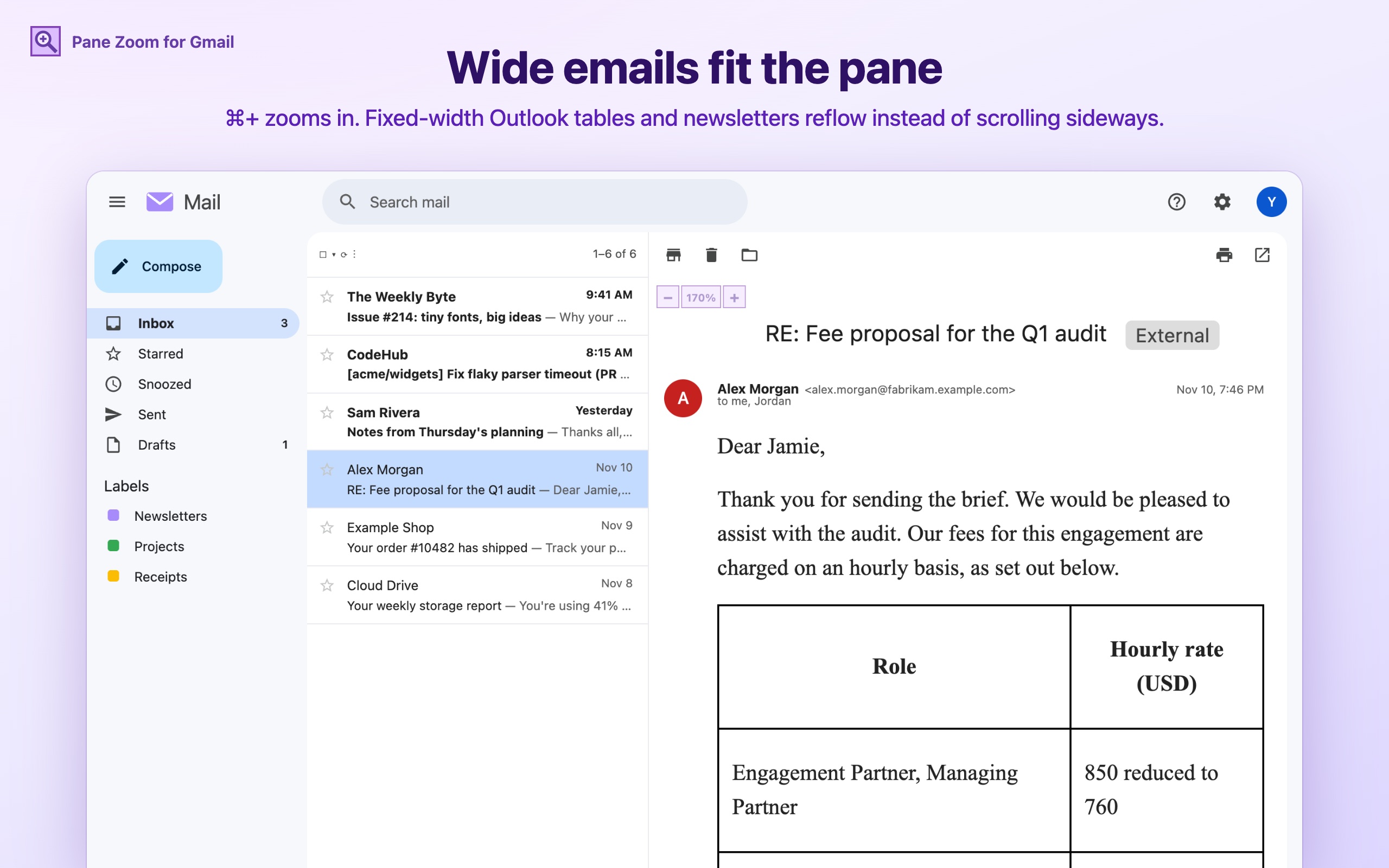
Wide emails fit the pane
Fixed-width newsletters and Outlook tables reflow to the pane when zoomed, instead of running off the side.
Write at the size you read
Reply drafts and compose windows follow your level too, and a full-screen compose gets the control at its top-left. Only the display changes: the mail you send is untouched.
Long threads stay fast
Stock Gmail can stall for seconds per keystroke in a long thread with a big draft. Pane Zoom sets aside the Gmail styles behind it that don't apply to what's on screen, so typing and scrolling stay quick.
Install
Chrome Web Store
Submitted and in Google's review. Once it's approved this link opens the listing, and Chrome keeps the extension up to date.
Or load it unpacked from GitHub
- Download or clone github.com/7-of-9/gmail_zoom.
- Open
chrome://extensionsand turn on Developer mode (top right). - Click Load unpacked and pick the folder.
- Reload your Gmail tab and open an email.
Works in Chrome and other Chromium browsers (Edge, Brave, Arc).
Privacy, plainly
The extension runs only on mail.google.com. It reads your Gmail address from the tab title, to know whose setting this is, and changes how message text is displayed. It never reads, stores or sends message content, and it doesn't look at who emails you.
To sync, it sends a small Azure server only a one-way SHA-256 hash of your Gmail address, your zoom level and when you set it. No names, no addresses, no mail content, no analytics, no ads.
The trade-off of no login: someone who already knows your Gmail address could see or change your zoom level. That's all there is to see: no senders, no mail.
Right-click the toolbar icon to switch off Sync zoom levels across machines, or to Delete synced zoom levels (all machines).
FAQ
Does it read my email?
No. It only changes how the open message is displayed (text size and zoom). The one thing it reads is your Gmail address from the tab title, and that's hashed before anything leaves your browser.
Do I need an account or a login?
No. The Gmail account you're signed in to is the identity, so the same settings appear on every machine where you install the extension and open that Gmail account.
Does it work with several Gmail accounts?
Yes. Each account has its own level, and each syncs on its own.
Google Workspace accounts?
Yes, including Workspace accounts with a custom-branded Gmail.
Can I turn sync off?
Yes. Right-click the toolbar icon and untick “Sync zoom levels across machines”. Your levels then stay in this browser only.
What does it cost?
Nothing. It's free and open source under the MIT license.